
Documentation
How Black Hole works
Black Hole turns a plain-language description into a working website. You write what you want, the agent researches, plans, writes the files, checks its own work, and hands you a live preview you can keep editing. This documentation explains every part of that loop, from your first prompt to a published site on your own domain.
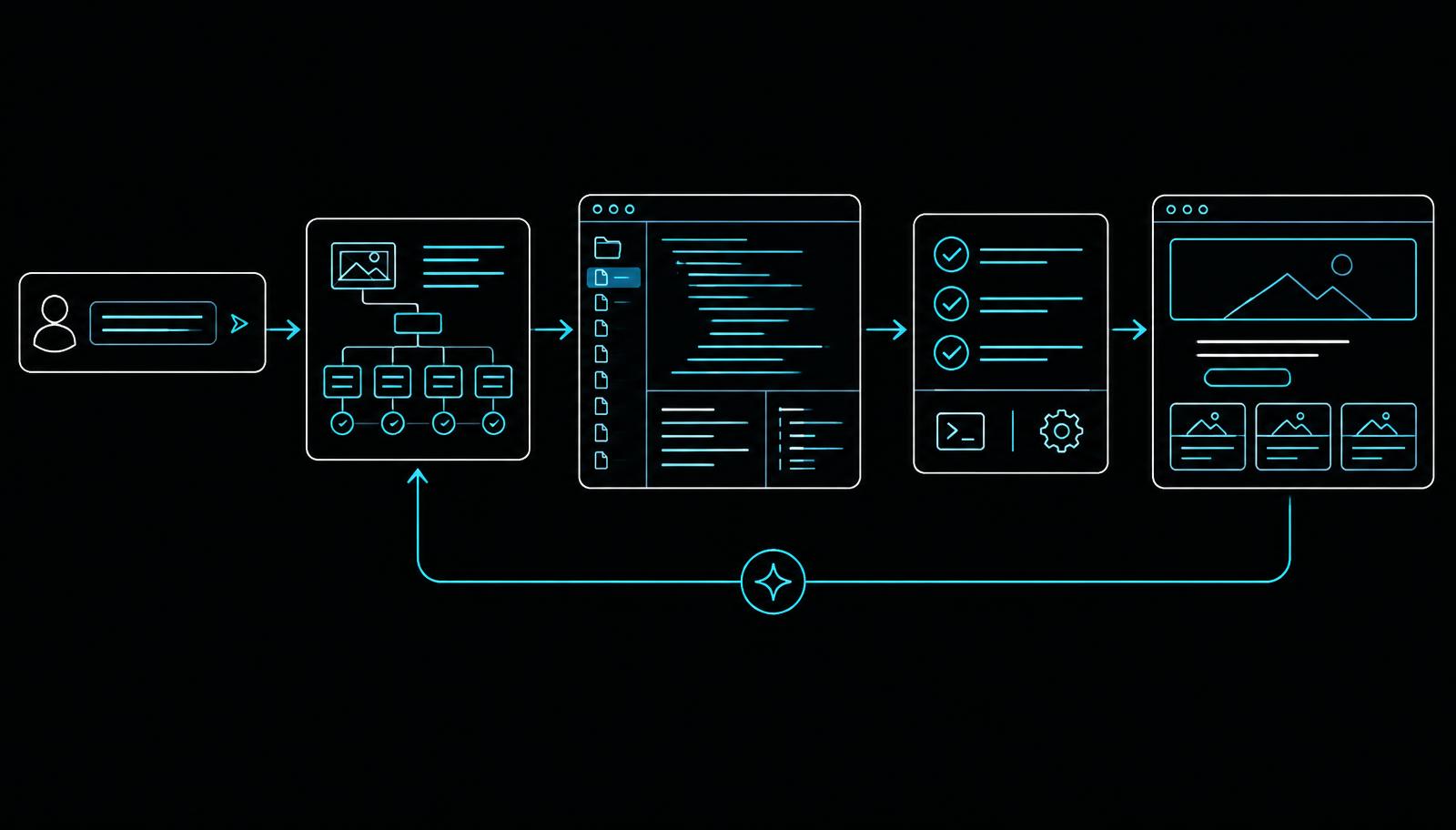
The build pipeline
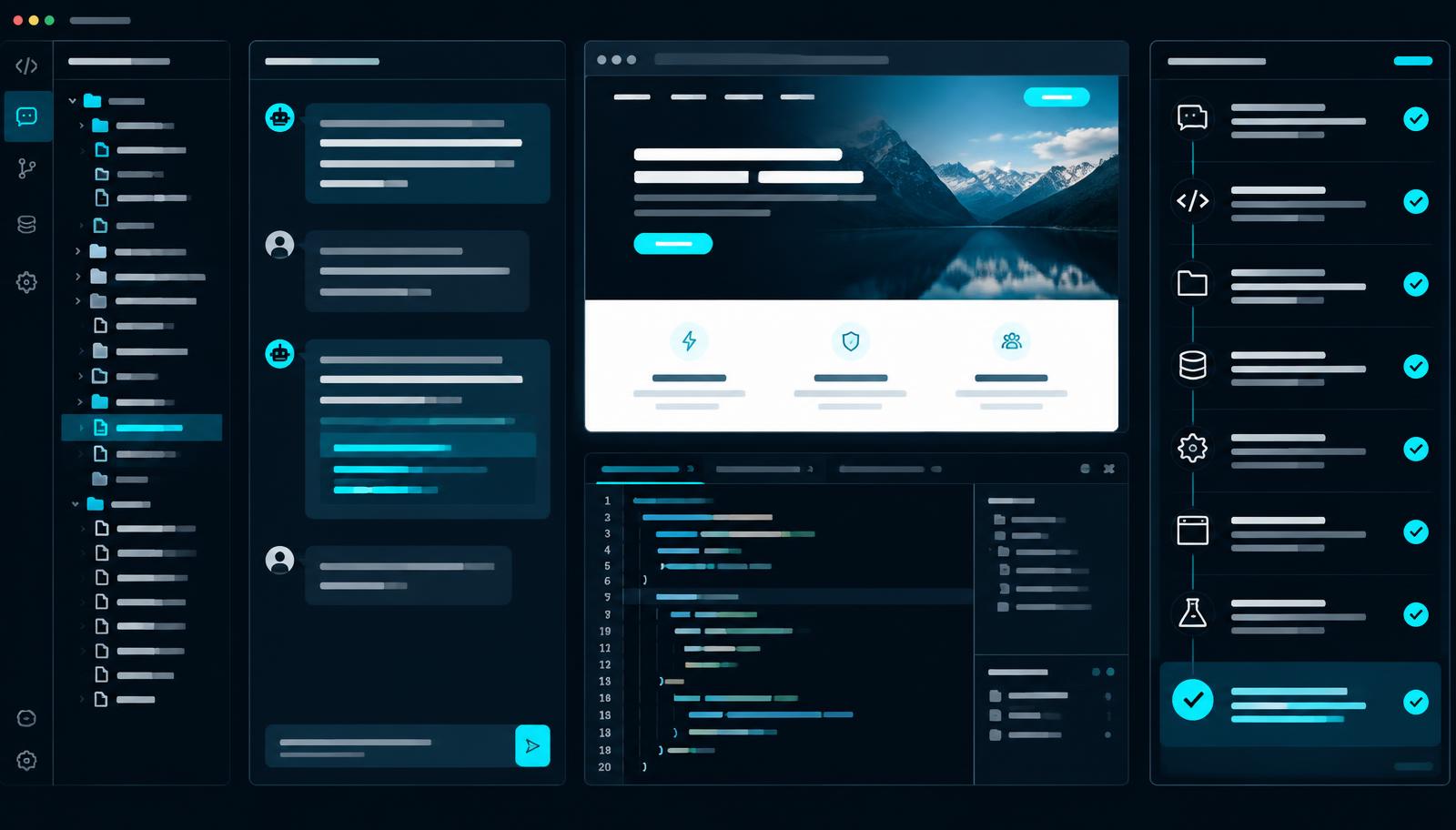
A Black Hole build is not a single call to a language model. Each request moves through a fixed sequence of stages, and you can watch every stage happen in the activity panel next to the chat. Nothing in that panel is decorative: each line appears because the server emitted a real event for it.
| Stage | What happens |
|---|---|
| Analyse | The agent reads your brief, extracts the real goal, audience, tone, and required pages, and decides whether anything essential is missing. |
| Clarify | If something genuinely changes the outcome — a booking flow versus a brochure page, for example — you get two or three short questions instead of a guess. |
| Research | When your prompt mentions a website, the agent opens it, screenshots it, and reads the page so the build reflects the real thing rather than an assumption. |
| Plan | The agent records the pages, sections, and data the build needs before execution. The plan stays internal so work begins without an approval interruption. |
| Write | Files are generated one at a time. Each file appears in the checklist as it is created, with its real path. |
| Review | The agent re-reads what it produced, looks for broken links, missing sections, and inconsistent styling, and repairs them before handing over. |
Who Black Hole is for
Black Hole is built for people who know exactly what they want on a page but do not want to spend a week assembling it. Small business owners use it for a site that actually describes their business instead of a template's placeholder text. Freelancers use it to put a client concept in front of someone within an hour. Developers use it as a first draft they then take into their own editor through GitHub.


You do not need to know HTML or CSS to get a finished result. If you do know them, nothing is hidden from you: every file the agent writes is yours, readable, and exportable.
Start here
- Getting started — create an account and finish your first build.
- Writing good prompts — the single biggest factor in the quality of a build.
- Connecting your API key — how free accounts build using their own provider account.
- Publishing and GitHub — put the finished site online and keep the code in sync.
A note on honesty